Scan
This action opens a configuration window that allows you to scan discovery agents.
|
1.
|
In the main window, click Admin > Discovery > Client. |
|
2.
|
Select the applicable client. A new window opens with the Details tab displayed. |
|
3.
|
Click the Discovery Agents tab.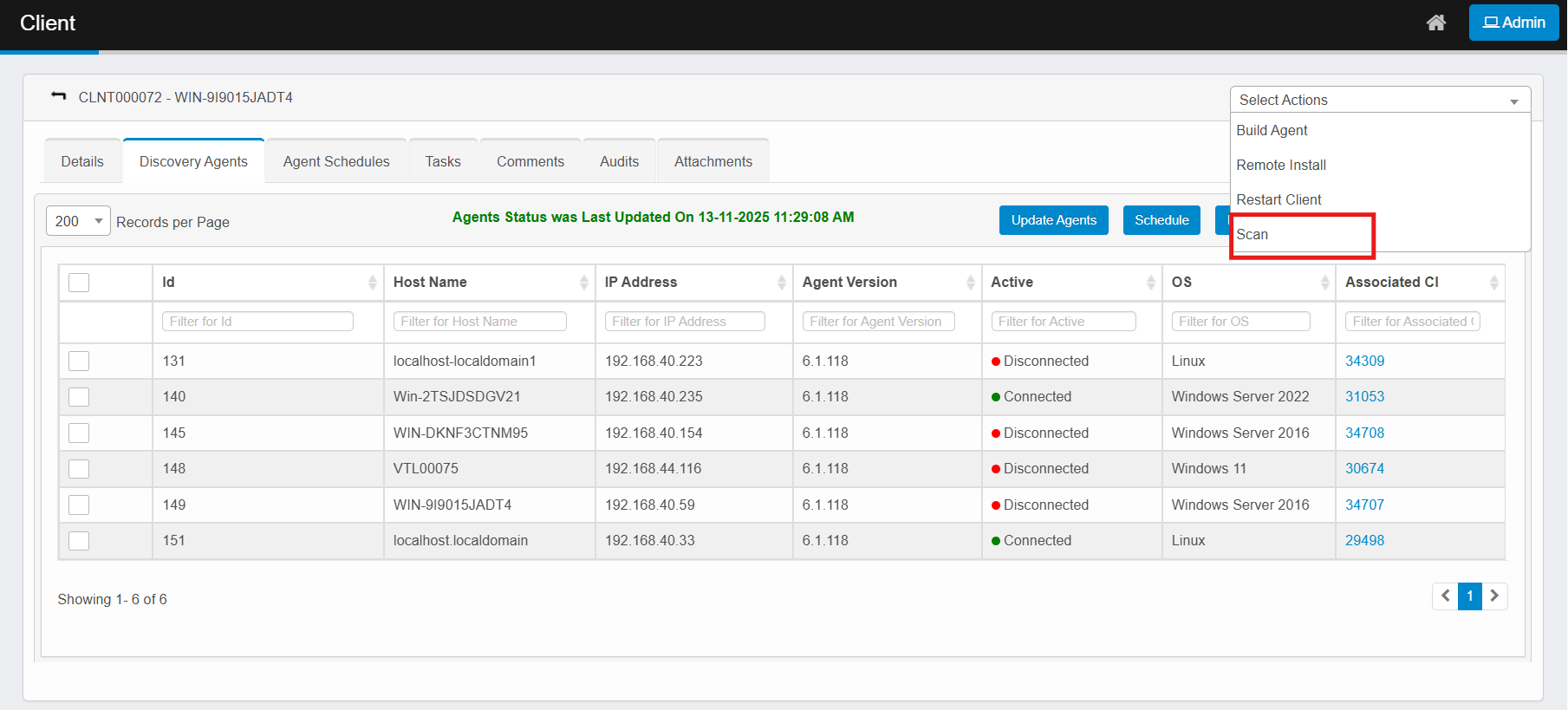 |
|
4.
|
From the Select Actions drop-down list, choose Scan. A confirmation dialog box displays.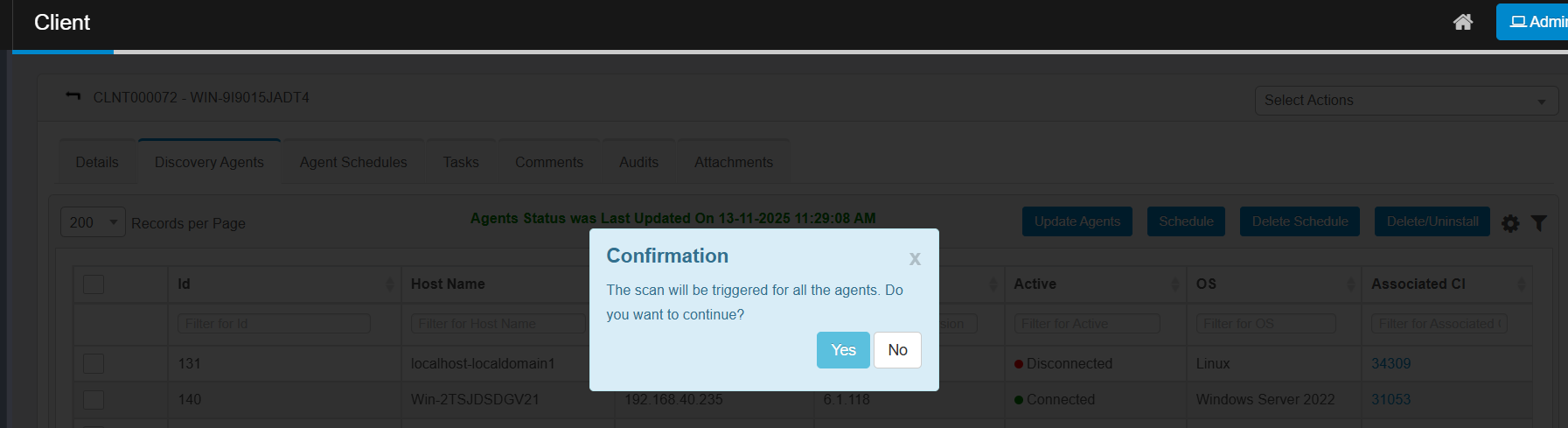 |
| |
The Scan action appears only if the discovery agent is present. |
|
5.
|
Click Yes to confirm or No to cancel. |
|
6.
|
Redirects to Run a Scan page, where user can perform scan. |