Configuring the Application
-
Open the Virima Discovery Application.
-
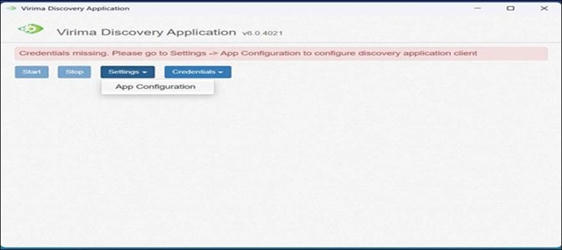
Go to Settings > App Configuration.
-
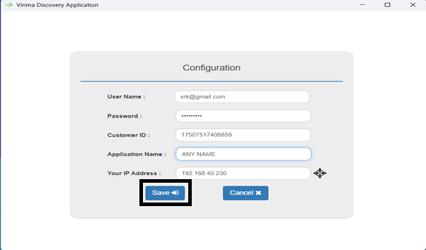
Enter the following details:
-
Username: Your Web App login email
-
Password: Your Web App password
-
Customer ID: Found in your organization details in the Web App
-
Application Name: Any preferred name
-
Your IP Address: IP of the machine where the app is installed
-
-
Click Save to apply the configuration.
-
The application will launch and open the Virima Discovery interface.
-
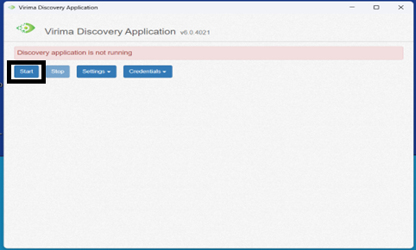
Click Start to begin discovery Virima Discovery Application.
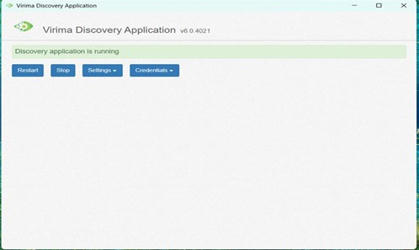
The application will now begin running based on the configured settings.