Updating the Application
-
In the Web App, go to Admin > Discovery > Client.
-
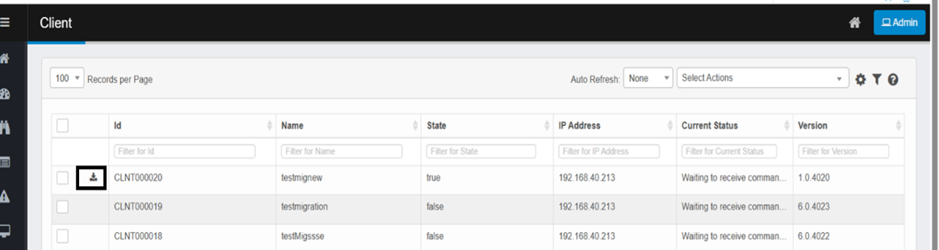
Click the Download icon next to your Client ID to fetch updates.
In the Web App, go to Admin > Discovery > Client.
Click the Download icon next to your Client ID to fetch updates.