Hard Drives
Displays a list of all hard drives installed on this asset and provides the functionality to update Windows patches.
Apply Windows Update Patches
| |
Before you can apply a patch, you must have an agent associated with the CMDB CI. |
|
1.
|
From the navigation pane, select ITSM > Configuration Management > Configuration Items. The Configuration Items window displays. |
|
2.
|
From the navigation pane, select Configuration Management > Configuration Items. The Configuration Items window displays. |
|
3.
|
Select the applicable Windows Host record in the list. A new window displays with the Details tab displayed. |
|
4.
|
Click the Components tab. |
|
5.
|
Click the Hard Drives tab. A new set of subtabs displays. |
|
6.
|
Click Windows Updates. |
|
7.
|
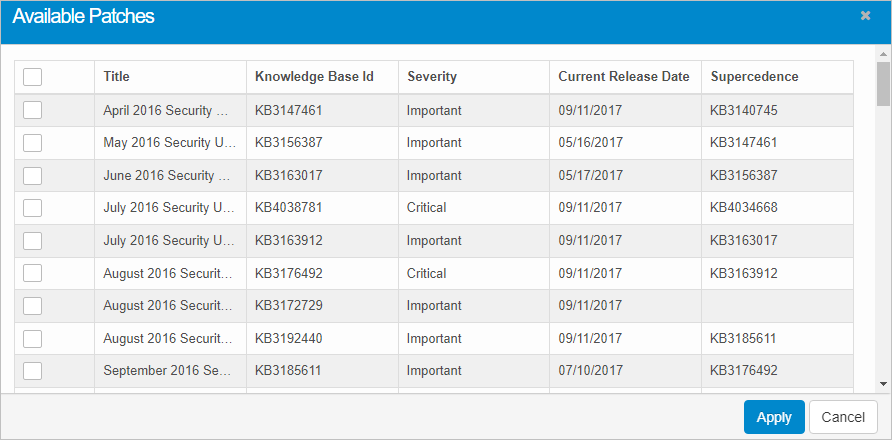
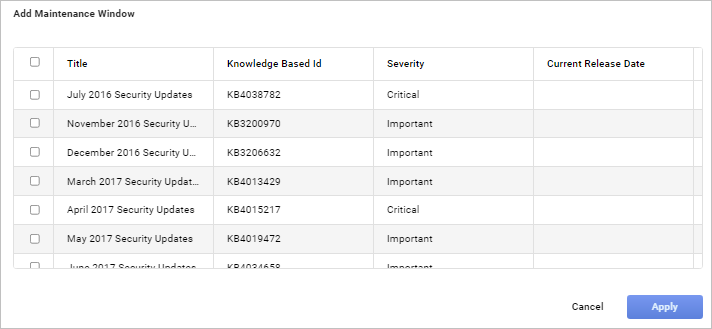
Click the Available Patches button. The Available Patches window displays. The Add Maintenance window displays. |
|
8.
|
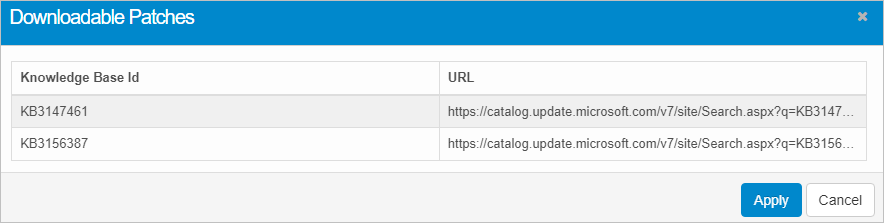
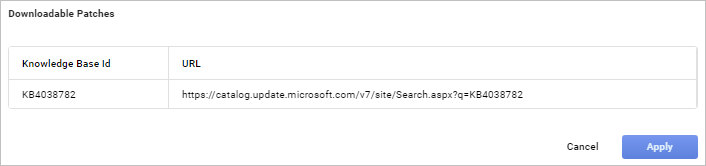
Select a patch(es) to apply and click the Apply button. The Downloadable Patches dialog box displays containing a list of all available patches. |
Other Functions and Page Elements